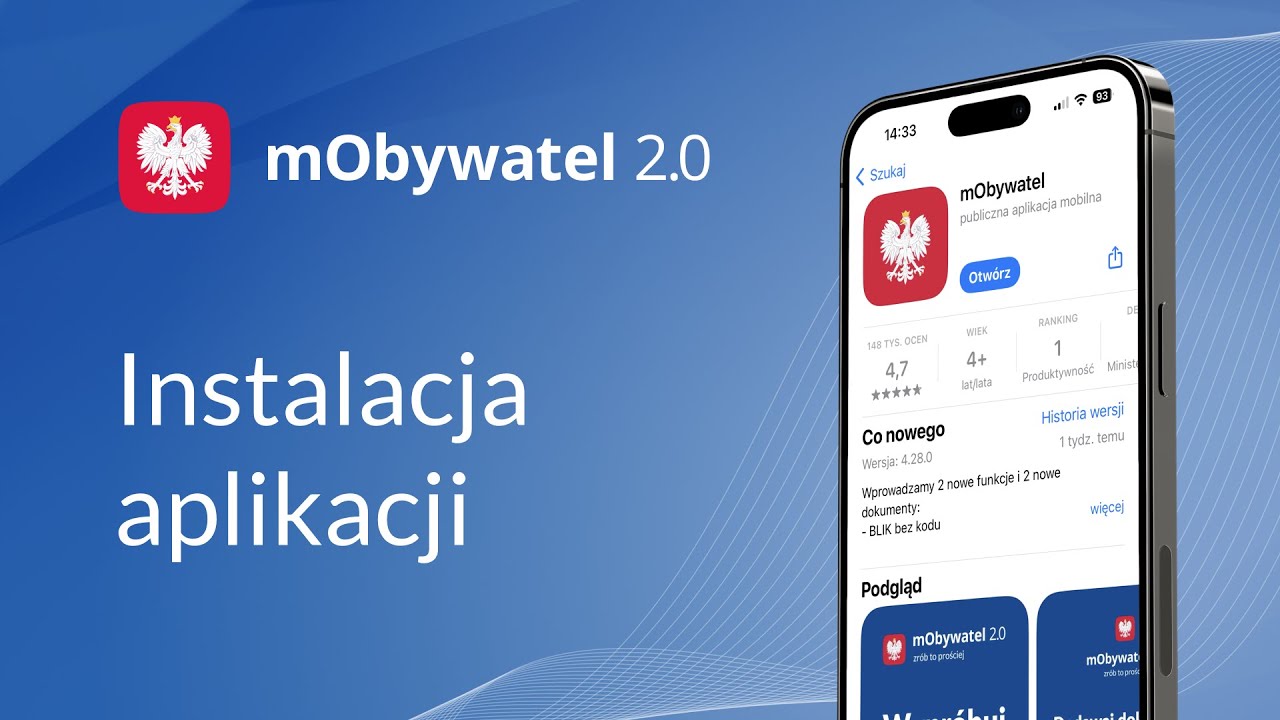
Renting a luxury car should be simple: minimal paperwork, maximum comfort. This is where the mObywatel solution comes in—a mobile app that lets you keep your most important documents at hand. See what the mObywatel app is, how to set it up, and which features are most useful when renting.
What is mObywatel and why is it helpful for car rentals?
It’s the official solution that lets you store and show selected documents on your phone. For rental clients, it means less stress: no more frantically searching for your wallet, and if you forget some paperwork, you can quickly rely on the digital version (depending on the company’s procedures).
Where can you use it?
- In situations where institutions and companies accept documents in digital form
- For everyday matters where quick identification matters
- When traveling, to keep all your details in one place
If you’re wondering what mObywatel is, the simplest answer is that it’s an official app letting you have selected documents and services “at hand” on your phone. In practice, it’s useful when time and peace of mind matter—like when picking up a premium client, traveling between cities, or when you need to quickly confirm your identity without nervously searching for your wallet.
How to set up the mObywatel app – the fastest way
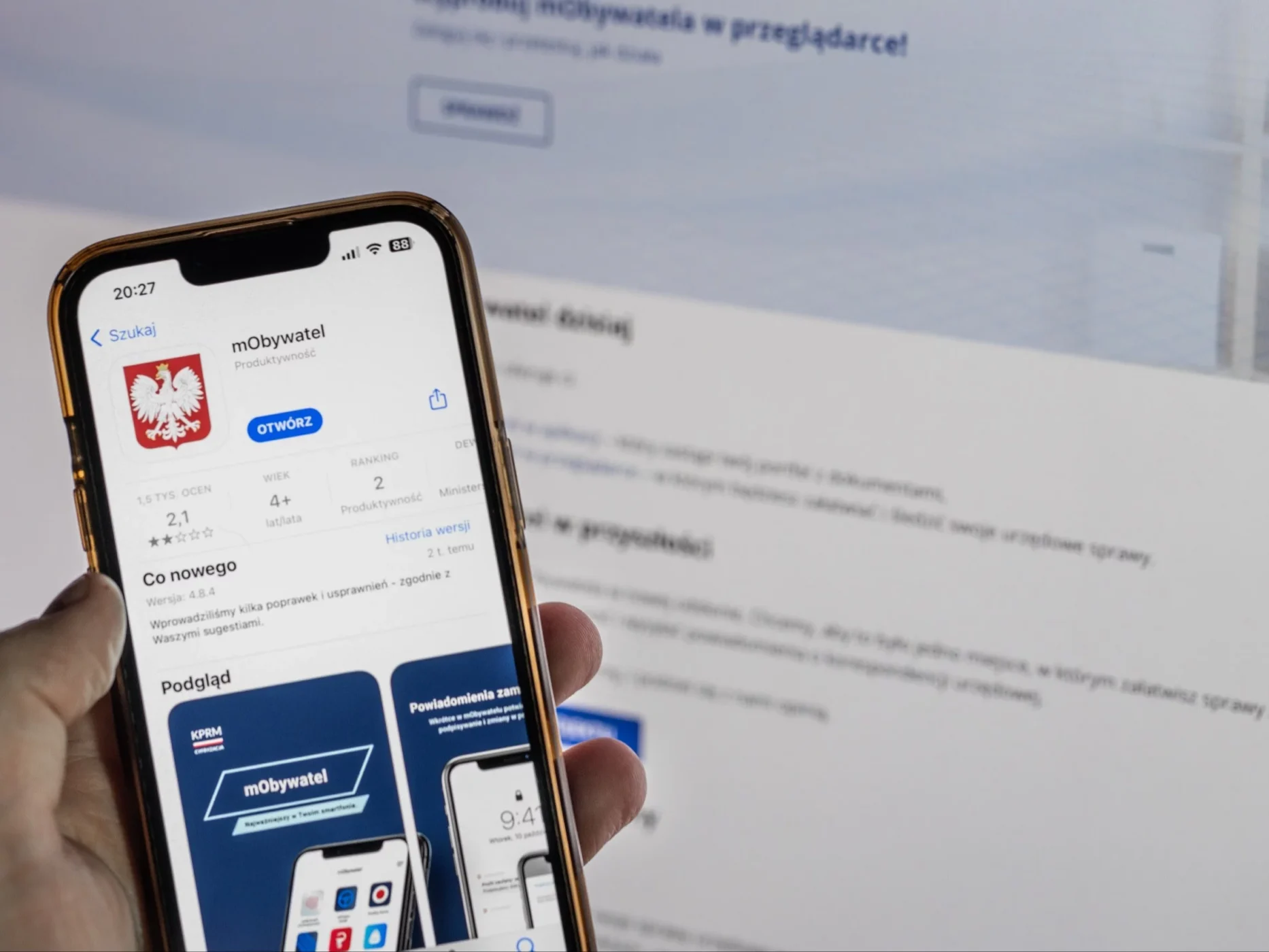
Many drivers ask about this to avoid wasting time on paperwork, and here’s the good news: starting is easy. The most convenient method is logging in via your bank, as the entire verification process works just like regular online banking, after which you finish your setup and add the necessary documents. This lets you sort everything out even before your shift and focus on driving and customer service instead of paperwork.
Doing this for the first time? Remember, it usually comes down to a few steps: installation, verification, and adding documents.
A very popular option is logging in through your bank:
- Select your bank
- Confirm your identity
- Return to the app and set up access
It’s convenient to do this before renting, as you can get it done at home.
mObywatel driver’s license – your key document when picking up a car
When renting a car (especially a premium one), a driver’s license is essential, so mObywatel driver’s license is the number one feature.
How do you add your driver’s license?
- Log in and verify your account
- Go to documents and select add driver’s license
- Wait for data to download and check for accuracy
It’s also good to know these terms, since people often ask about them:
- mObywatel driver’s license before collection – when the license is still being processed, the status might look different from the “standard” one
- mObywatel temporary driver’s license – temporary licenses and their visibility depend on the system’s data
If you’re renting a car “right away”, check a day earlier that everything displays correctly.
mObywatel ID card – convenient identification
The second important element is the ID card. It’s useful for client data verification, signing contracts, and formalities. Many rental companies may still require a physical document or additional confirmation, but the app can be a great support when you want to show your details quickly without digging through your bag.
Vehicles, registration certificate, and peace of mind on the road
If you drive your own car daily, you can also use the following features:
- mObywatel vehicles – view information about your vehicles
- mObywatel registration certificate – quick data without paperwork
This isn’t always essential when renting itself, but it’s very helpful “on the road” if you want to keep your documents organized.
Fines and penalty points – better to know in advance
When renting a car, you want to avoid surprises, so these features can be useful:
- mObywatel penalty points – view your points
- mObywatel fines – information about fines (if the service displays them)
It’s not a “must-have,” but it gives a sense of control, especially if you drive on business frequently.
mStłuczka – if a minor accident happens
No one plans for this, but minor accidents can happen to the best of us. The mStłuczka feature helps collect event details and organize a report. When it comes to premium rentals, speed and information accuracy matter, so it’s a practical “plan B.”

mObywatel for Ukrainians – practical info for clients
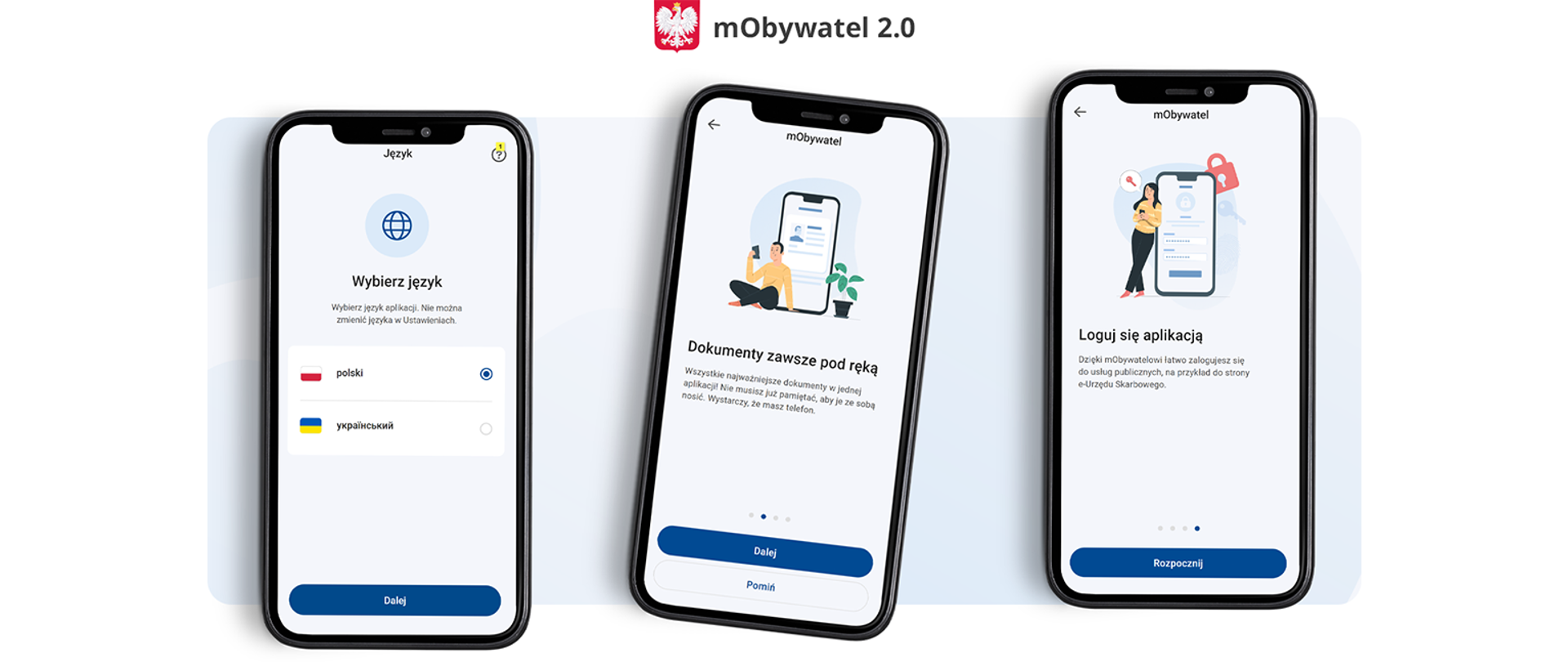
If you are a client from Ukraine or renting a car in Poland for a longer period, the subject of mObywatel for Ukrainians may be important. The availability of features depends on your documents and user status, so it’s best to check in the app which services are visible after logging in.
Summary
The mObywatel app is a convenient way to always have your driving license, ID card, and selected services with you. When renting luxury cars, smooth handling matters, and well-prepared documents can reduce car pickup time to a minimum.

luxury today!
Our rental vehicles
 Audi Q7
 Audi Q8
 Mercedes E-Class
 Mercedes S-Class
 Mercedes V Class – rental